Download the Apps
Two apps, one setup
NestPatrol uses two apps. The Parent App goes on your phone. The Kids App goes on your child’s phone. Install the Parent App first. Both apps are on Google Play for Android. The iPhone versions are coming very soon.
| App | Goes on | What it does | Get it |
|---|---|---|---|
| NestPatrol Parent | Your phone | Add your children, lock the phone, set screen time and rules, review alerts and reports, approve requests, and receive Emergency SOS alerts. | Google Play iPhone: coming very soon |
| NestPatrol Kids | Your child’s phone | Installs openly and visibly. Connects with your enrollment code, applies your rules, filters the web, and gives your child a one-tap SOS. | Google Play iPhone: coming very soon |
| Browser dashboard | Any computer, tablet, or phone browser | The same controls as the Parent App: lock the phone, set rules, approve requests, and review alerts. Nothing to install. | app.nestpatrol.com |
Prefer not to install the Parent App? Manage everything from the browser dashboard at app.nestpatrol.com. The Kids App is still required on your child’s phone.
The right order to install
- Install the Parent App on your phone, or open the browser dashboard.
- Create your account and add your child. Grant parental consent.
- Generate an enrollment code. The code is short-lived, so use it right away.
- Install the Kids App on your child’s phone and enter the code.
- Review permissions together and set your rules. The app explains each permission before asking.
iPhone
iPhone apps: coming very soon
The NestPatrol Parent and Kids apps for iPhone are coming very soon. Until they arrive, parents on iPhone use the browser dashboard at app.nestpatrol.com, which works in Safari. Child phones must be Android until then. Some features work on Android only and some on iPhone only. See which features work on which phone. Add your email and we will tell you the day the iPhone apps arrive.
System requirements
Kids App: an Android phone with a recent Android version, or an iPhone with iOS 17 or later (when the iPhone app arrives). Both need internet access. Parent side: the Parent App or any modern browser. See the Download page for both apps and the setup order.
Start your 14-day free trialSee the full install guide
Control it from the Parent app, your browser, or both.
Both use the same NestPatrol account. Change a rule on your phone and it shows in your browser. Change it in your browser and it shows in the app. Your child's device receives the update either way.
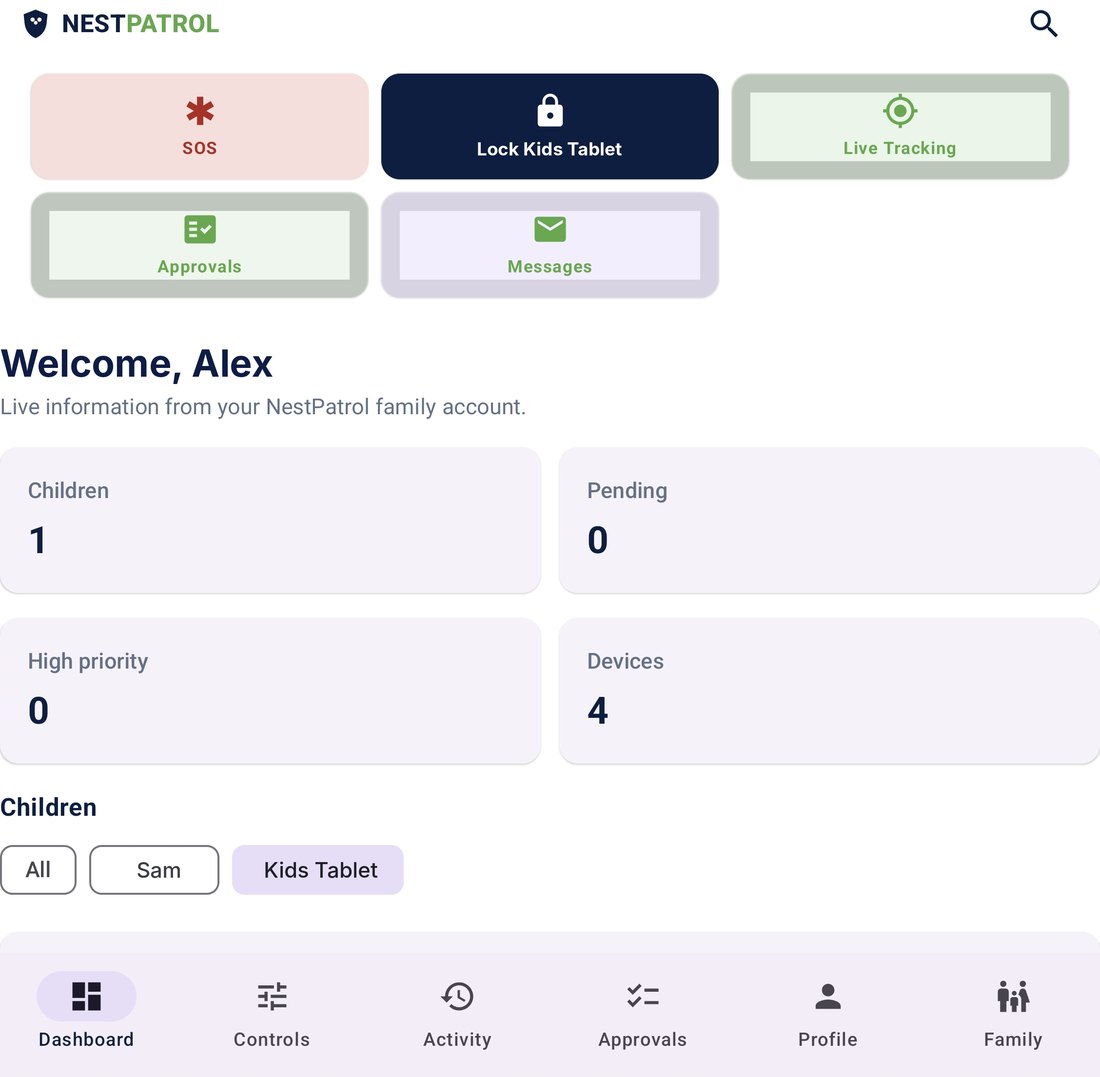
Parent app
Best for quick actions during the day: lock a device, add 15 minutes, answer an SOS, approve a request, reply to a message.
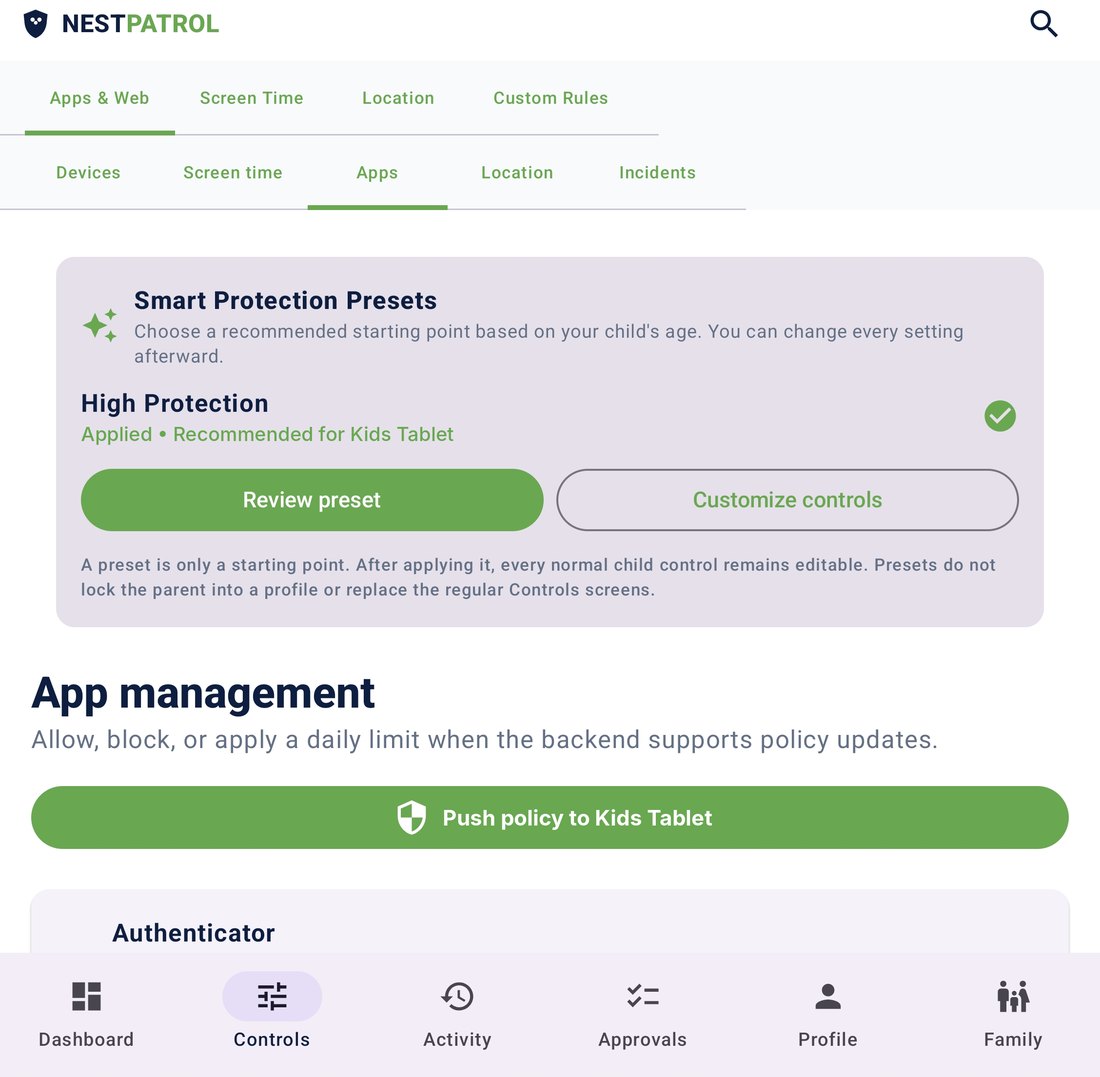
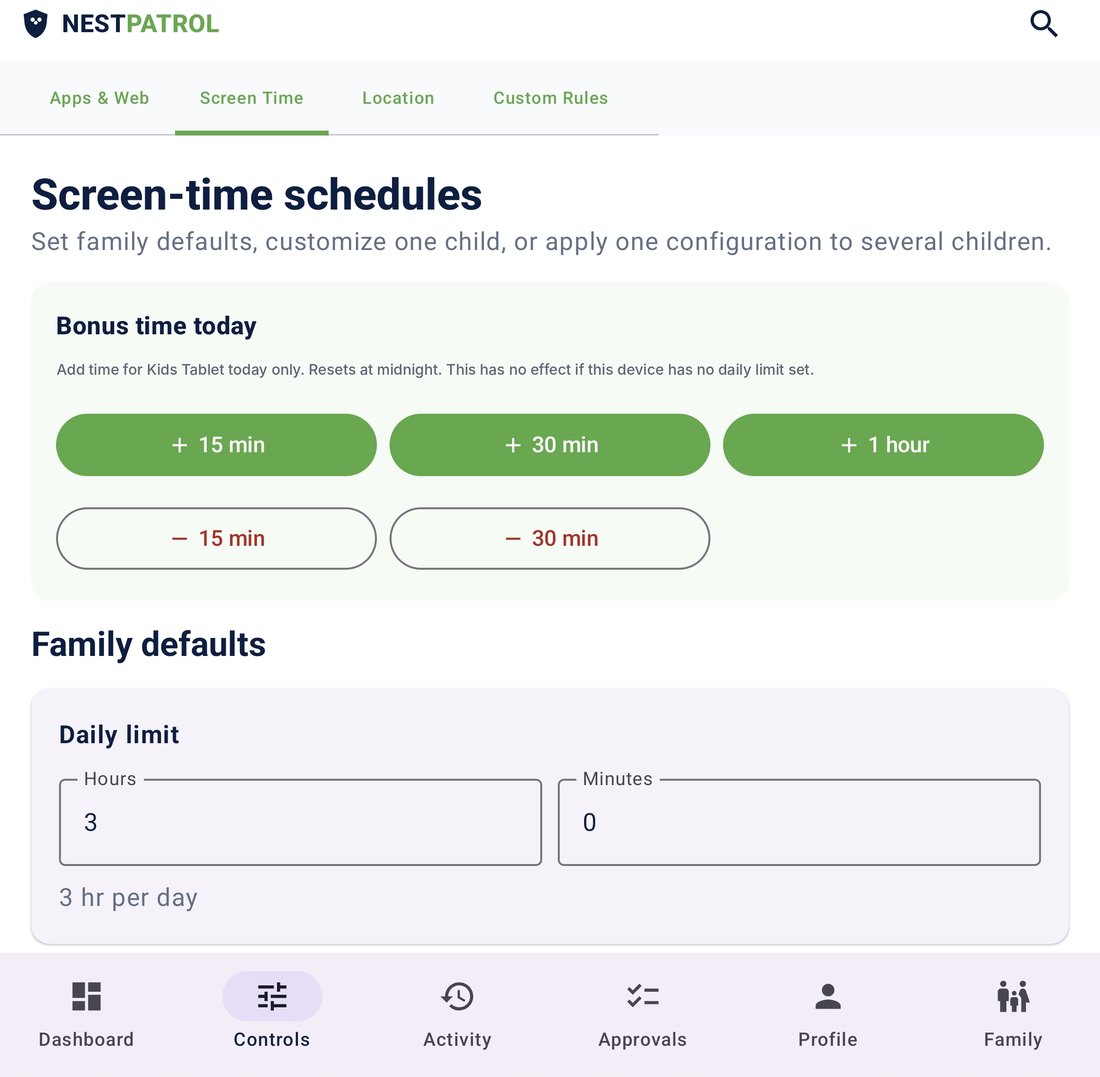
- Lock or unlock a child's device
- SOS alerts and live tracking
- Approve or deny requests
- Message your child
Browser dashboard
Best for setup and review on a bigger screen: write rules, check reports, manage every child and device. Nothing to install. Sign in at app.nestpatrol.com.
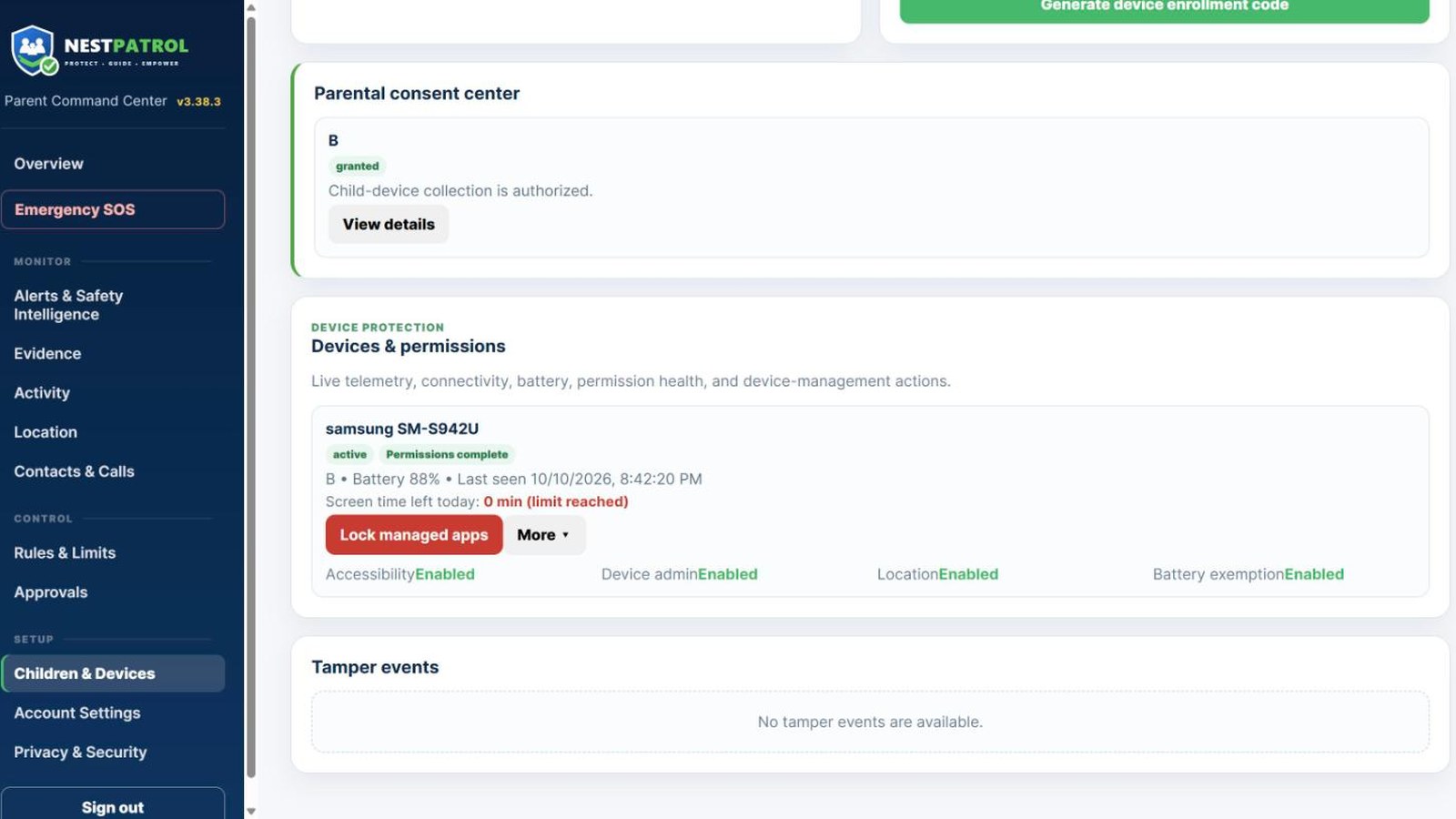
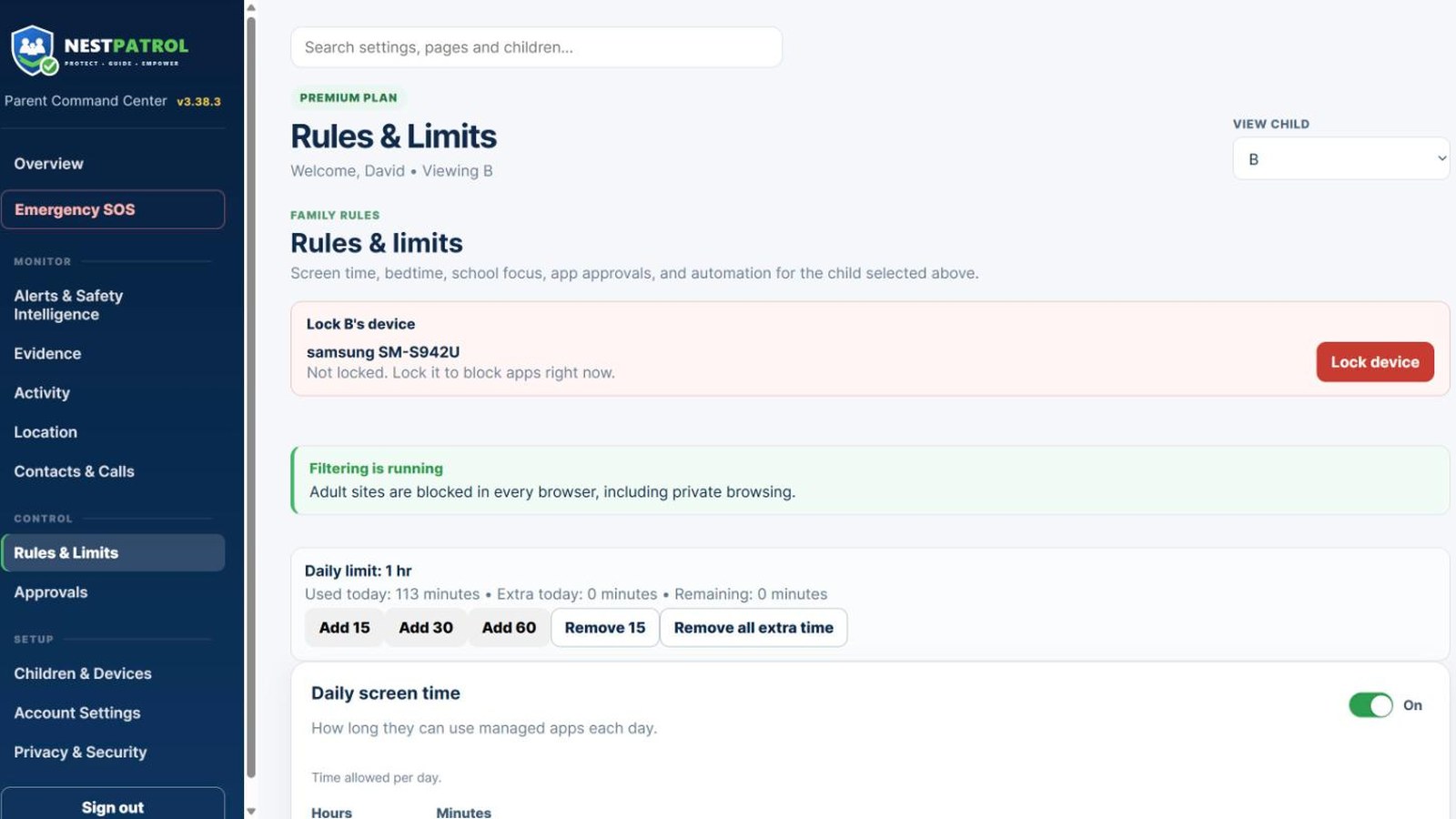
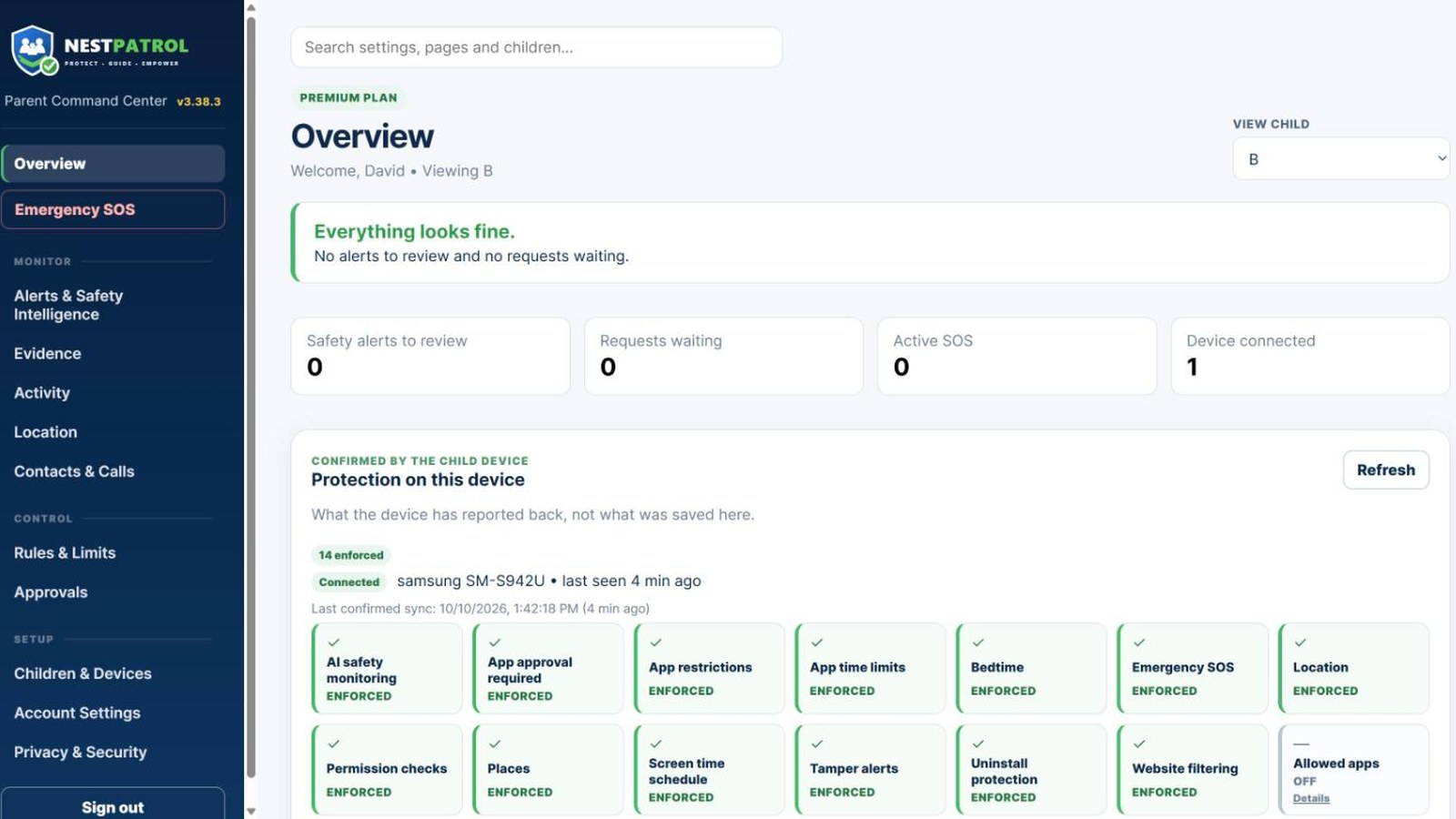
- Lock or unlock a child's device
- Screen time, bedtime and school-focus rules
- Alerts, reports and Family Timeline
- Add children and enroll devices