Parent app
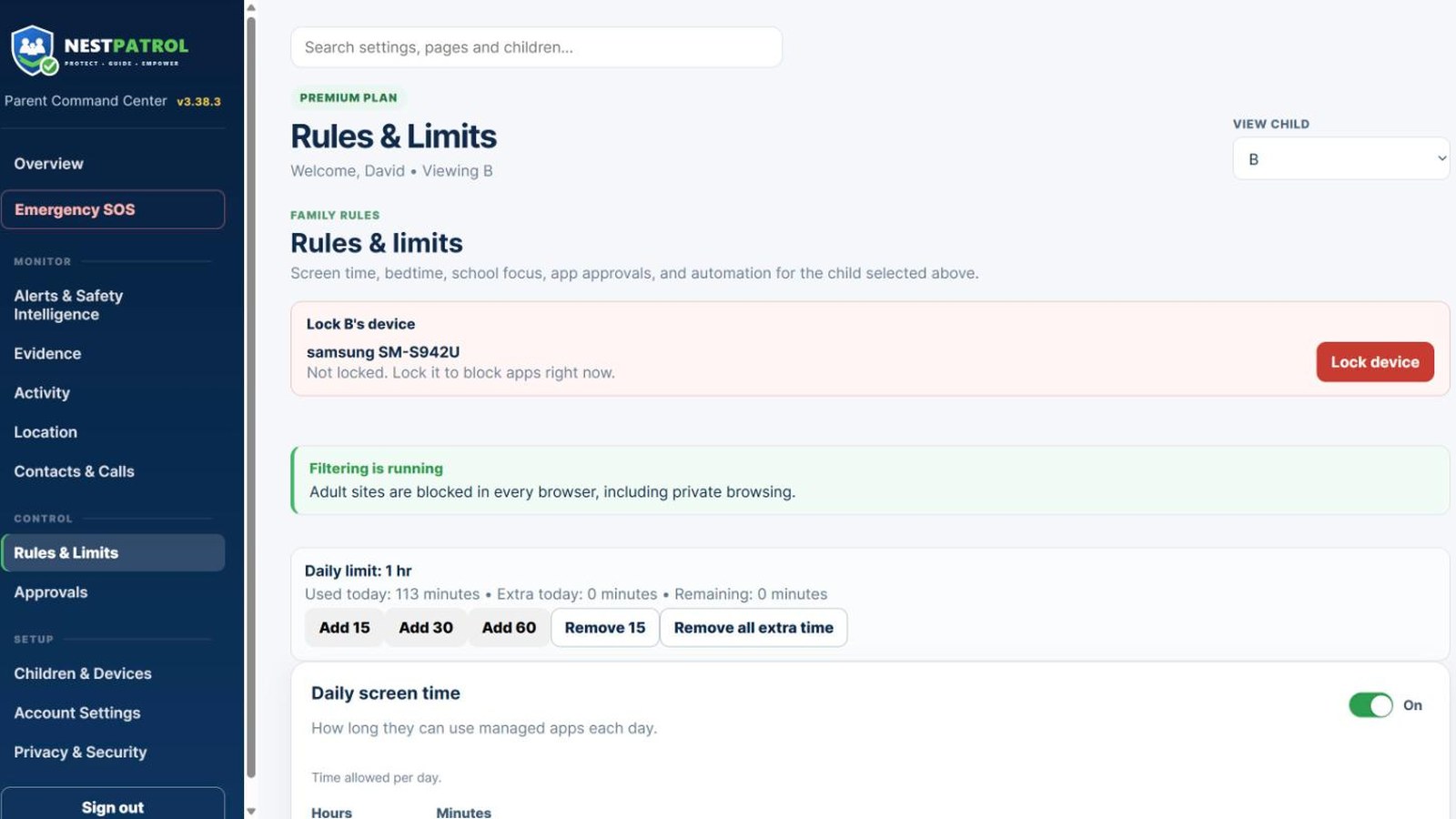
Best for quick actions during the day: lock a device, add 15 minutes, answer an SOS, approve a request, reply to a message.
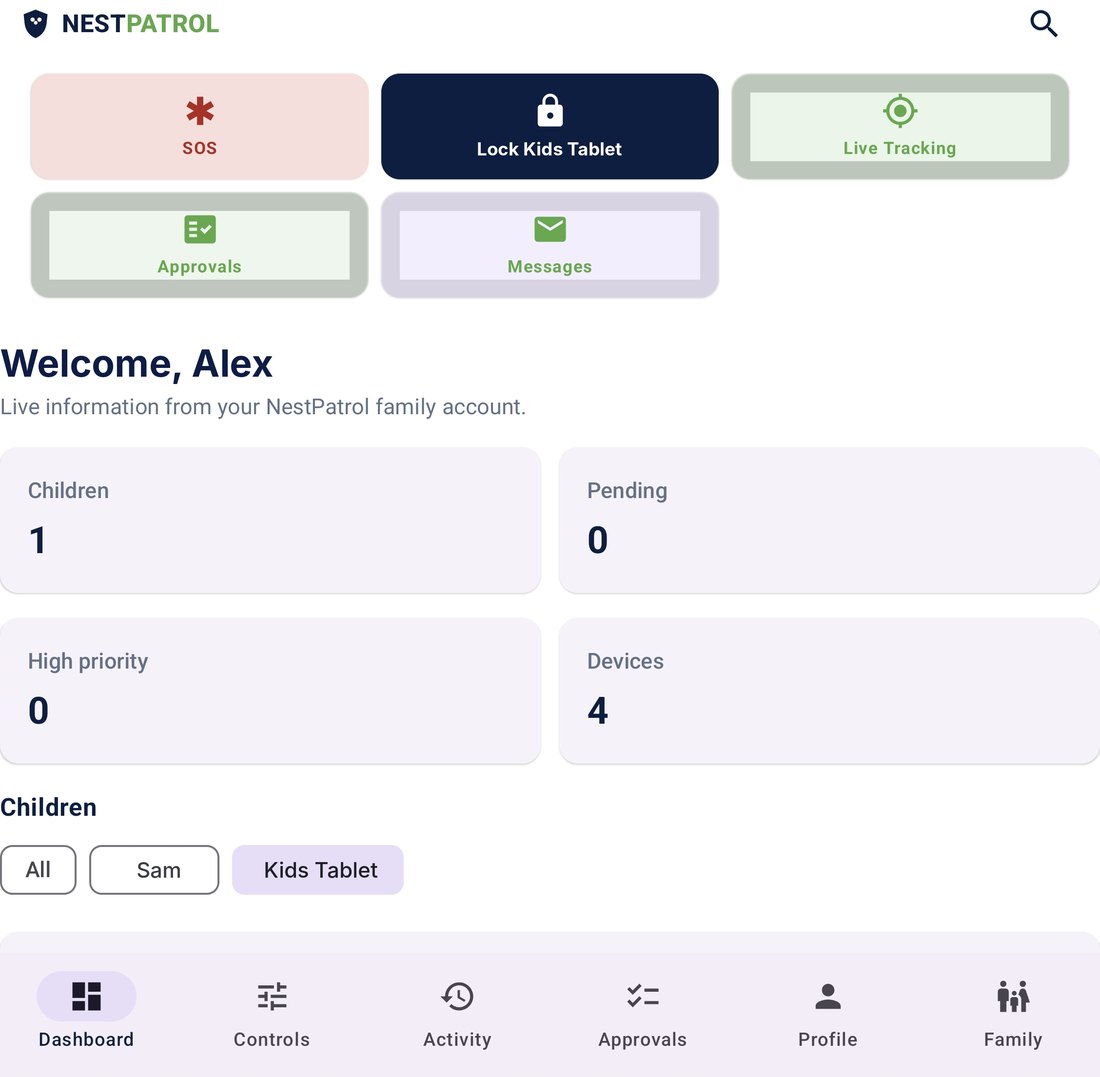
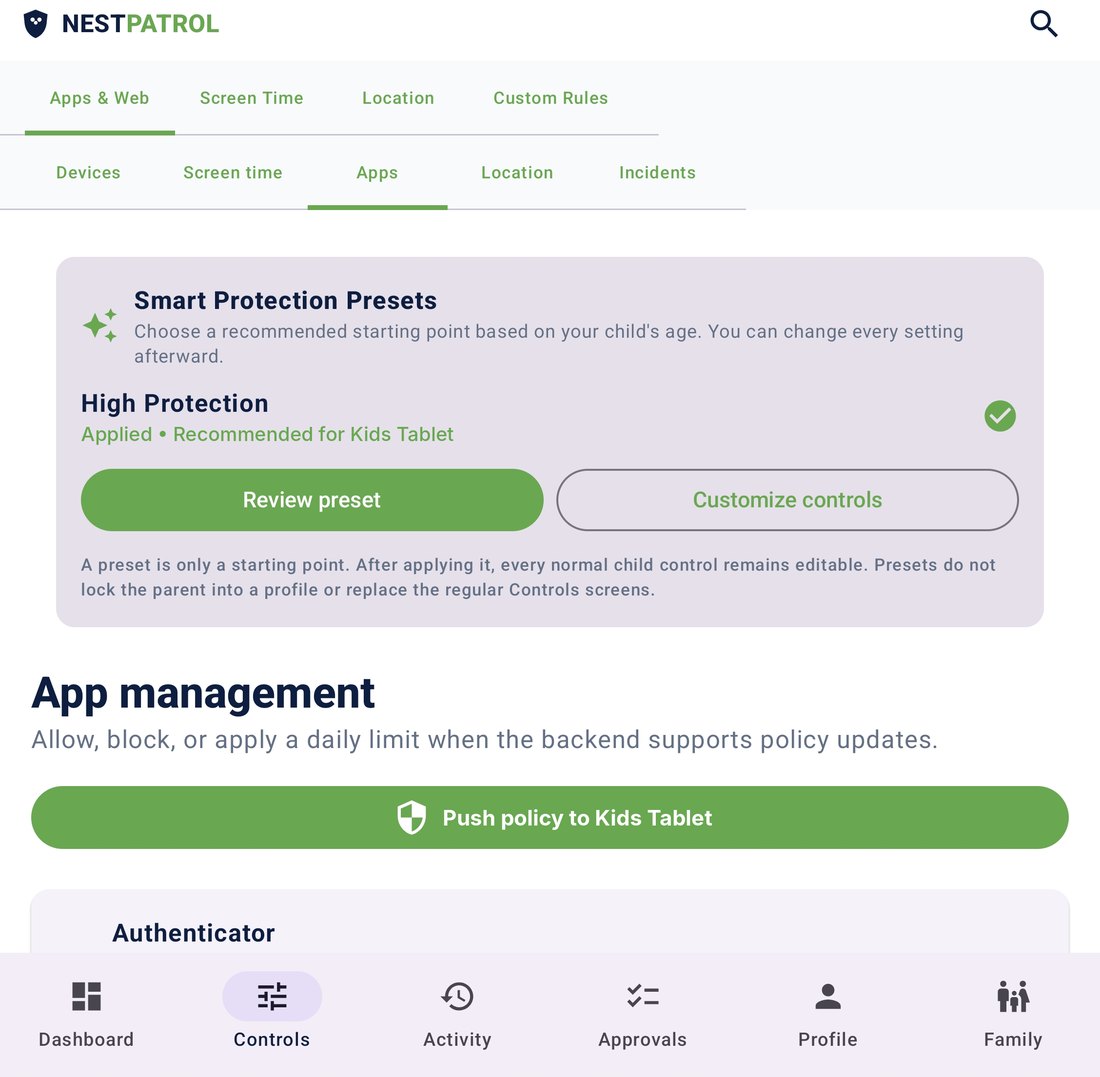
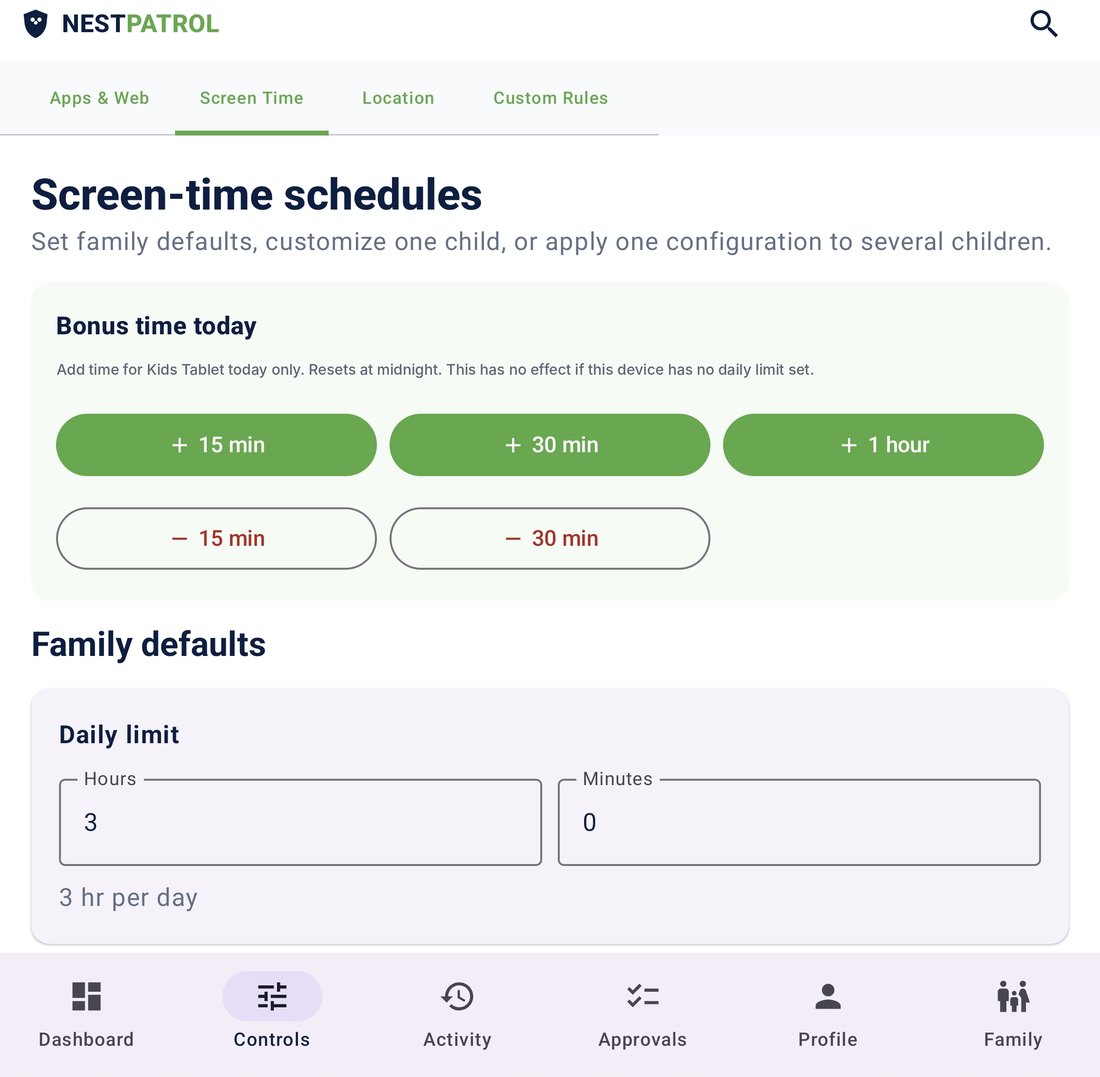
- Lock or unlock a child's device
- SOS alerts and live tracking
- Approve or deny requests
- Message your child
NestPatrol flags concerning language on your child’s Android phone for cyberbullying, grooming, scams, and explicit content. Checks start on your child’s phone. When something looks concerning, it can be reviewed by our safety analysis service under strict privacy controls, and flagged content is never used to train AI models. You see what we found and why we flagged it. You decide what it means.
Manage your child’s device from the Parent app, your browser dashboard, or both. See how →
iPhone apps: coming very soon. Some features work on Android only and some on iPhone only. See which →
Protect. Guide. Empower.
The child can see that NestPatrol is installed.
Product preview. Sample data shown.
Both use the same NestPatrol account. Change a rule on your phone and it shows in your browser. Change it in your browser and it shows in the app. Your child's device receives the update either way.
Best for quick actions during the day: lock a device, add 15 minutes, answer an SOS, approve a request, reply to a message.
Best for setup and review on a bigger screen: write rules, check reports, manage every child and device. Nothing to install. Sign in at app.nestpatrol.com.
Every alert carries a category, severity, confidence level, and review status before you decide what it means.
Set screen-time expectations that account for sleep, school, friendships, and family priorities.
Use reports and alerts to start conversations, not to hand down punishments.
Start with a 14-day free trial. A payment method is required, and you can cancel anytime before it ends.
| Plan | Monthly after trial | Annual after trial | Children | Devices | Availability |
|---|---|---|---|---|---|
| Essential | $3.99 | $39.99 | 1 | Up to 2 | 14-day trial |
| Plus Most Popular | $11.99 | $119 | Up to 5 | Up to 10 | 14-day trial |
| Complete | $19.99 | $199 | Unlimited | Up to 20 | 14-day trial |
A payment method will be required. Unless canceled before the trial ends, the selected monthly or annual plan bills automatically after 14 days.
NestPatrol may process self-harm safety signals and precise location when a parent enables the applicable features. Review what we collect, why we use it, and how to exercise your rights.
Visible enrollment. Clear expectations. Tools that support your judgment instead of replacing it.
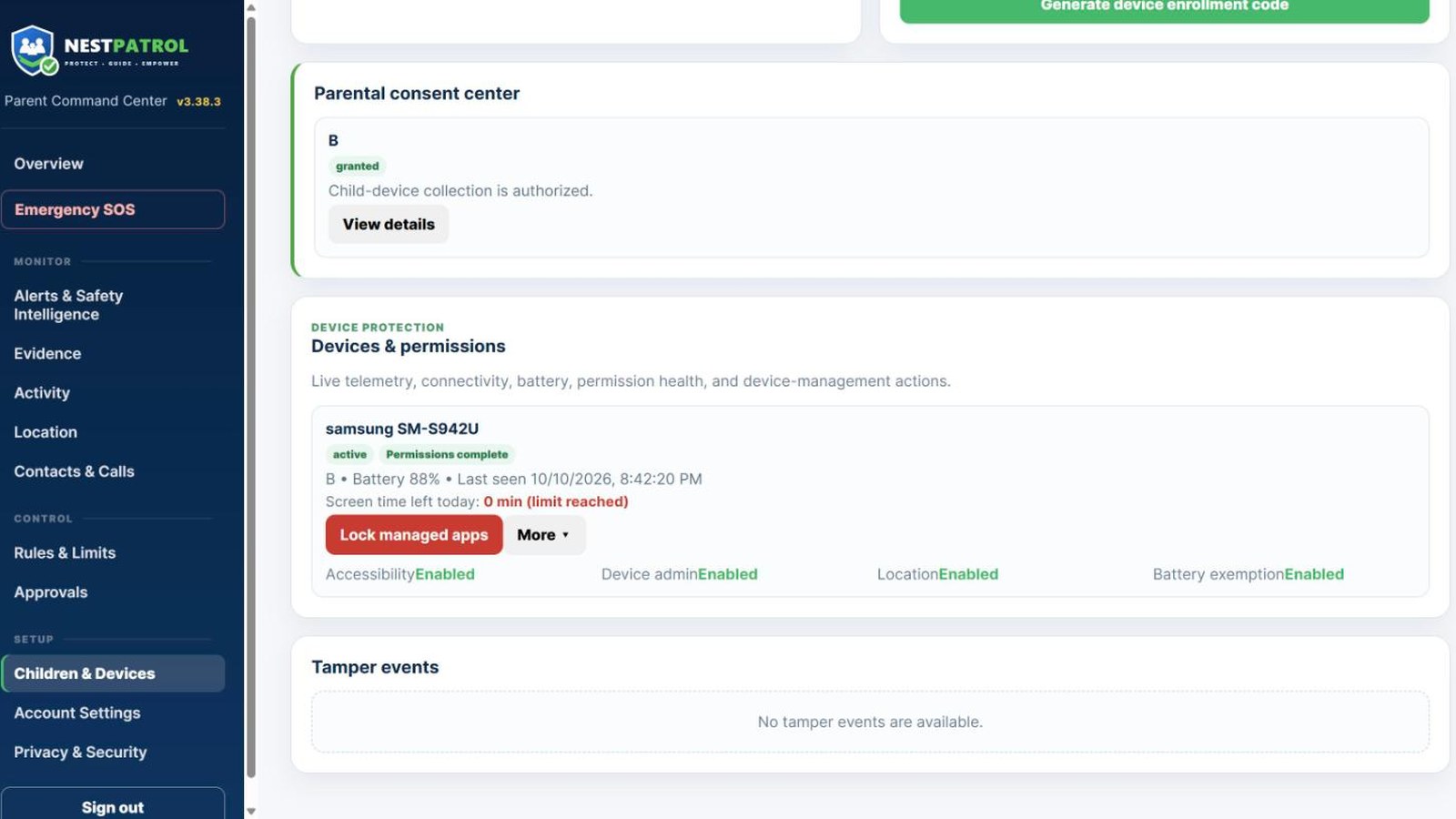
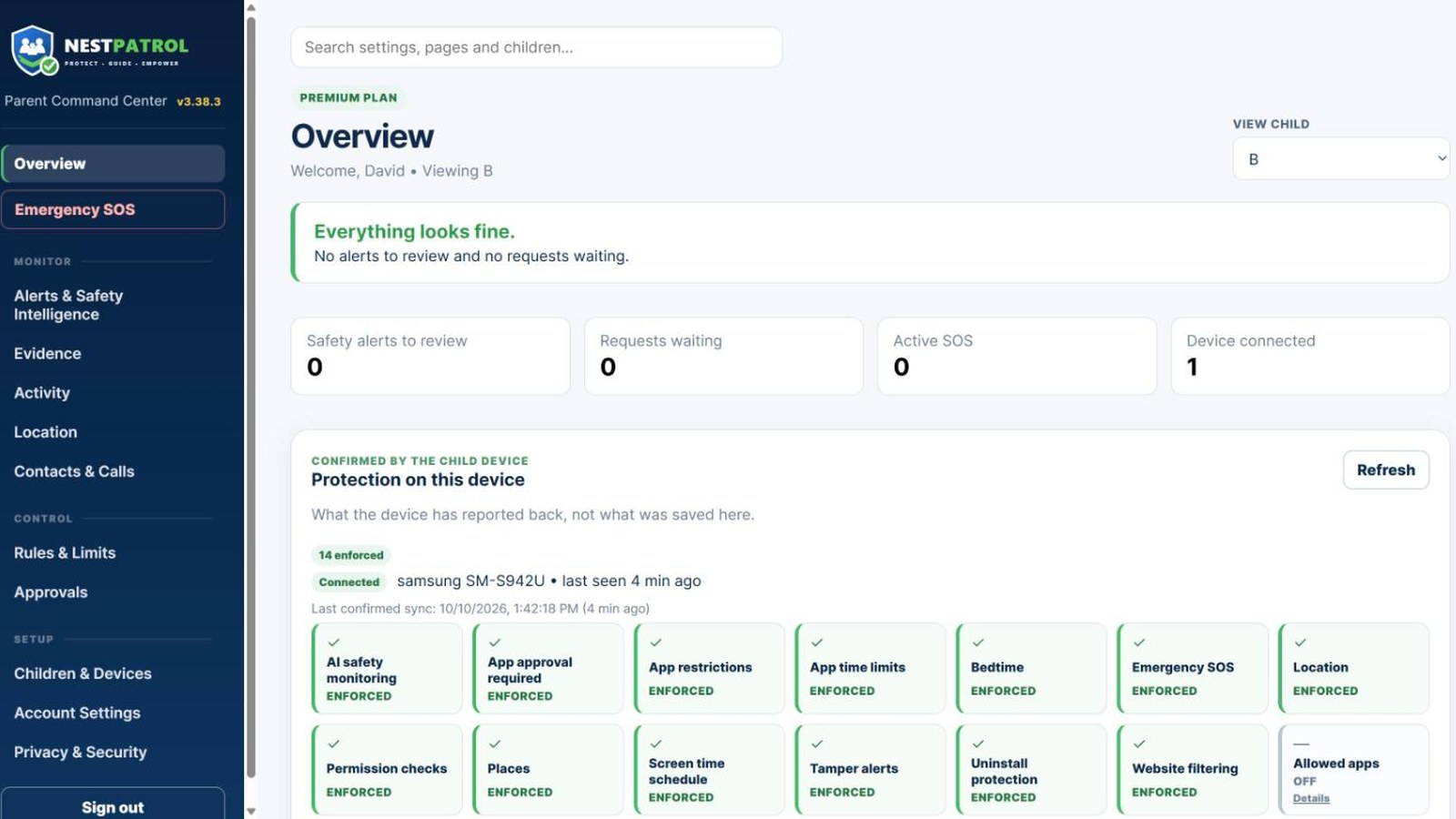
Your dashboard brings together SOS records, device health, screen-time totals, location, approvals, safety alerts, notification history, and a Family Timeline. Open it from the Parent App or any modern browser.
Device, location, app, approval, safety, and emergency events organized in the order they happened.
Your child can send a plain message like “Can you pick me up?” and you can reply from your phone.
Each alert shows category, severity, confidence, and an explanation. You read it and decide. Automated analysis can be wrong.
New apps this week, repeated requests, screen-time trends, and late-night activity, summarized for each child.